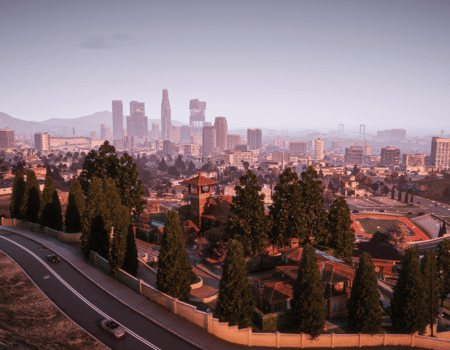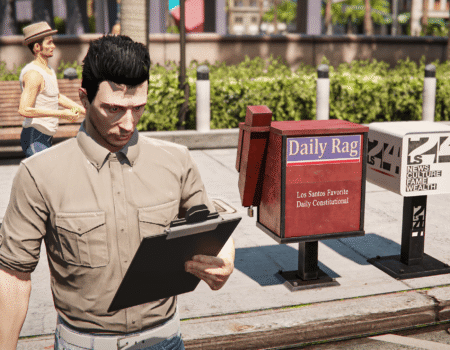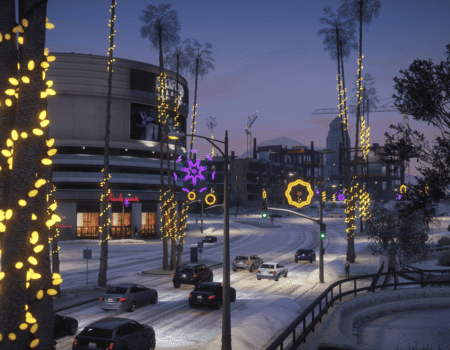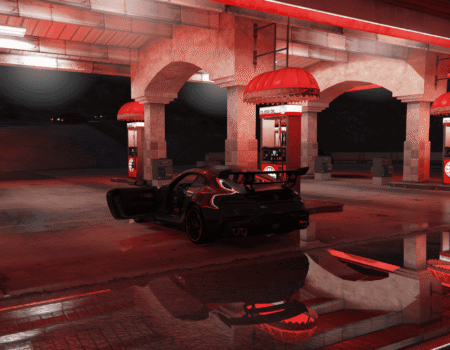
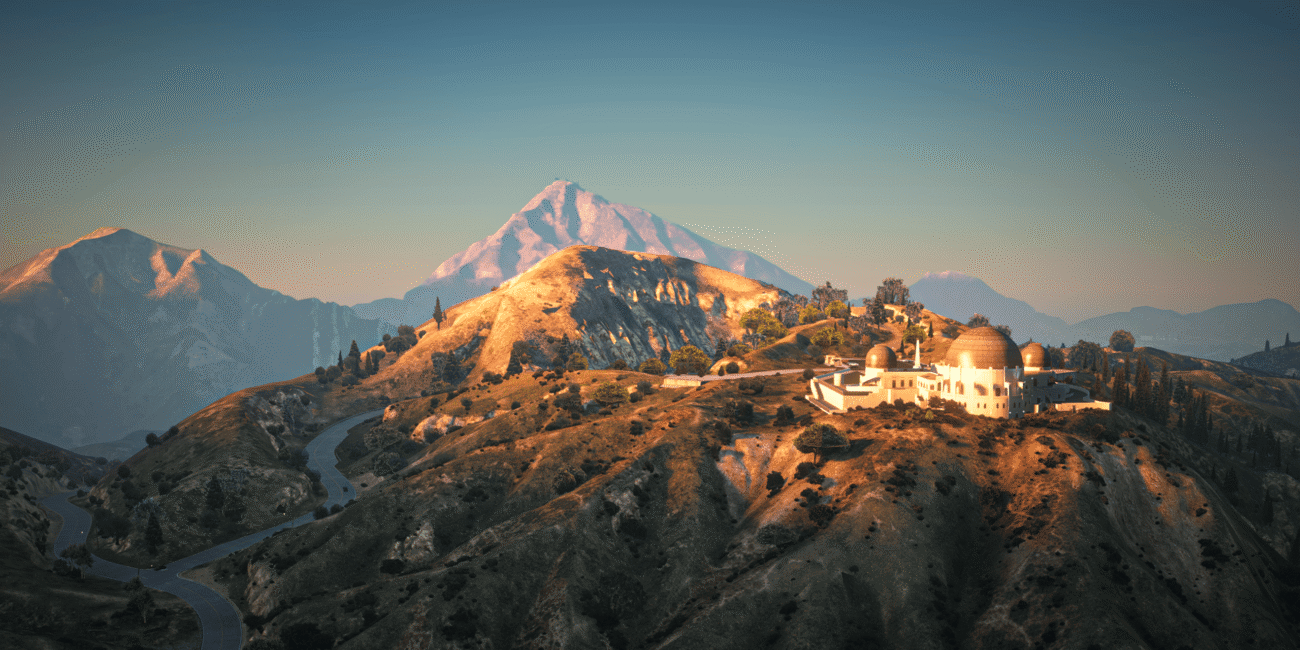
So, you‘ve finally decided to join the legendary world of GTA V modding? Welcome to the club! Whether you‘ve seen those ultra-realistic “GTA 6 graphics” videos on YouTube or you just want to fly a Batmobile through downtown Los Santos, you‘re in the right place. However, for a newcomer, the sheer volume of gta 5 mods available can be overwhelming.
The truth is, before you can start installing 4K textures or complex scripts, you need a solid foundation. In this guide, we‘ll walk you through the essential tools and the best gta 5 mods for beginners to kickstart your journey. If you‘re planning to play on FiveM or just want to overhaul your single-player experience, this post is your ultimate roadmap.
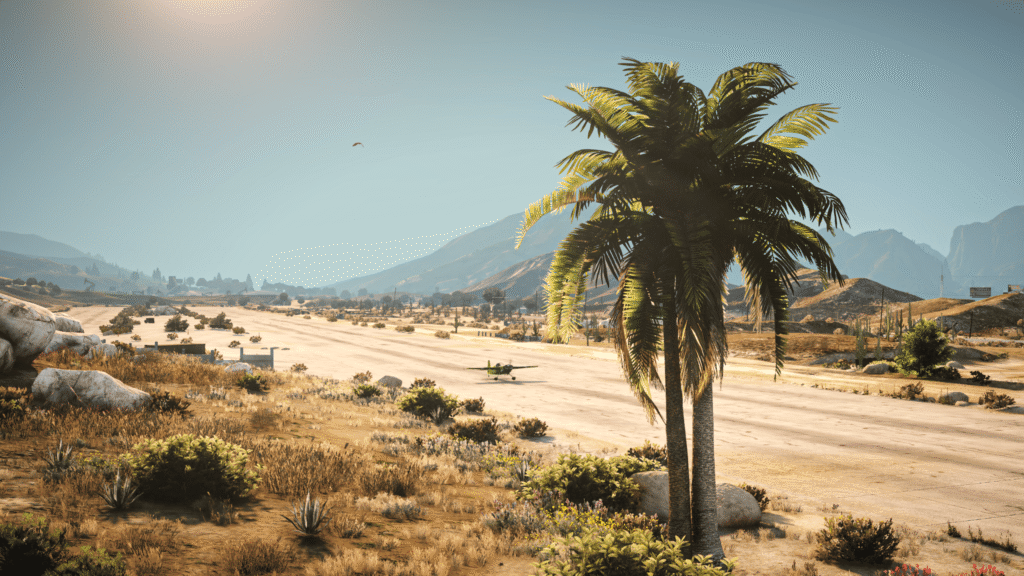
The Foundation: Essential Tools
Before you can complete any gta 5 mods download, you need the “Big Three” tools. These are the engines that allow modifications to actually run without crashing your game.
1. Script Hook V
This is the most important file in your directory. Script Hook V allows the game to execute custom scripts. Without it, almost none of the mods on this list will work. Whenever Rockstar updates the game, you‘ll usually need to wait a few days for a Script Hook update to keep your mods running smoothly.
2. OpenIV
Think of OpenIV as the “gateway” to the game‘s hidden files. It allows you to open, edit and replace the game‘s internal archives (RPF files). It also features a “mods” folder system, which is crucial because it ensures you never actually touch your original game files–making it easy to uninstall mods if something goes wrong.
3. Community Script Hook V .NET
While the standard Script Hook handles basic scripts, many of the most popular gta v mods are written in .NET languages. Installing this tool ensures you have maximum compatibility for the thousands of scripts found on FiveM gta 5 servers and modding forums.
If you are a beginner modding on a mid-range PC, you might be worried that high-quality visuals will slow down your game. But don’t worry, you can have the best of both worlds. Before you start your installation, make sure to check out our deep dive on GTA 5 Mods That Help Increase FPS. It’s the perfect companion guide to help you keep your gameplay buttery smooth while adding new features!
The 5 Best Mods for Every Beginner
Once your tools are set up, it‘s time for the fun part. These five mods offer the biggest “bang for your buck” with the easiest installation process for those just starting out.
1. Menyoo PC (The Ultimate Trainer)
If you only install one mod, make it this one. Menyoo is a “Trainer” or mod menu that gives you god-like powers. You can spawn any vehicle, change the weather, teleport across the map or even give yourself billions of dollars instantly. It‘s the perfect playground for someone new to gta 5 mods.
2. VisualV (The Performance King)
As we discussed in our previous comparison, VisualV is the best entry-level graphics mod. It doesn‘t require a NASA supercomputer to run and it completely cleans up the game‘s lighting. If you‘re looking for a quantv download but aren‘t sure if your PC can handle it, start with VisualV first to see the difference.
3. World of Variety
One of the complaints about the base game is that the streets can feel a bit repetitive. World of Variety brings vehicles and assets from GTA Online into the single-player world. You‘ll see a much wider range of cars, pedestrians and law enforcement, making Los Santos feel alive and modern.
4. Simple Trainer for GTA V
While Menyoo is great for object spawning and cinematic work, Simple Trainer is the workhorse of the modding community. It‘s incredibly stable and allows you to quickly toggle things like “Never Wanted,” “Infinite Ammo,” or “God Mode” with simple keybinds.
5. Open All Interiors
Ever feel frustrated that 90% of the buildings in Los Santos are just empty boxes? Open All Interiors unlocks dozens of buildings that were previously only accessible during specific story missions. It‘s a game-changer for exploration and immersion.
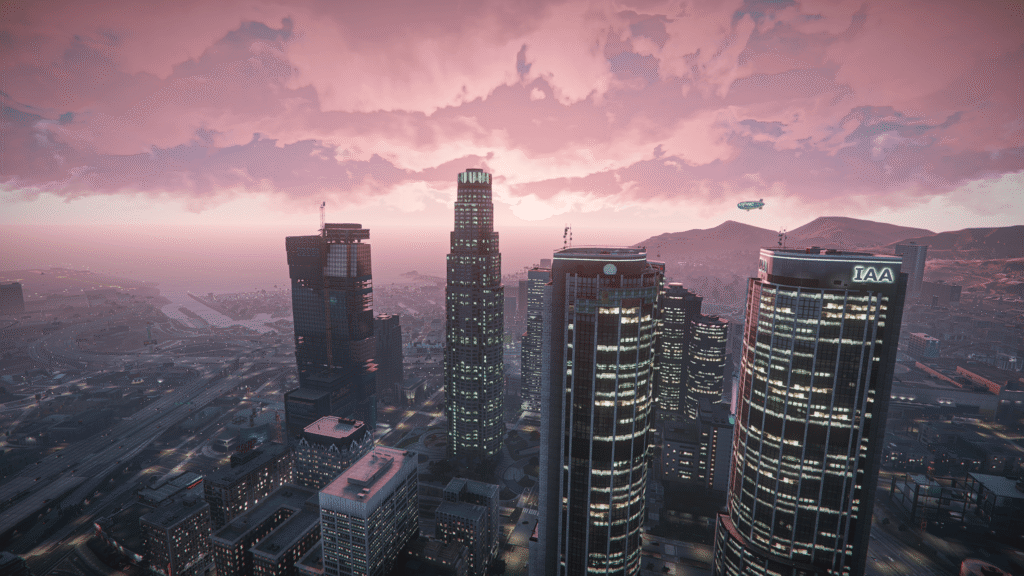
Elevate Your Game: Ray Fusion from FiveMods
At FiveMods, we specialize in making the modding experience seamless. If you want to jump straight into the “Next-Gen” aesthetic without the headache of manual configuration, our flagship modification is the answer.
Ray Fusion Graphics
Ray Fusion is a high-quality, all-in-one graphics mod designed by the FiveMods team to bridge the gap between GTA V and the hyper-realism of the upcoming GTA 6. It‘s available exclusively through the FiveMods library and can be installed in just a few clicks.
- Photorealistic Lighting: Uses advanced global illumination and HDR to make sunrays and shadows look natural.
- Optimized Performance: Unlike many other ultra-graphics mods, Ray Fusion is balanced to provide high-end visuals without tanking your FPS.
- FiveM Compatibility: It works flawlessly on FiveM gta 5 servers, allowing you to enjoy a beautiful game while roleplaying with others.
- One-Click Install: By using the FiveMods App, you don‘t need to manually move files around–just link your account and hit install.
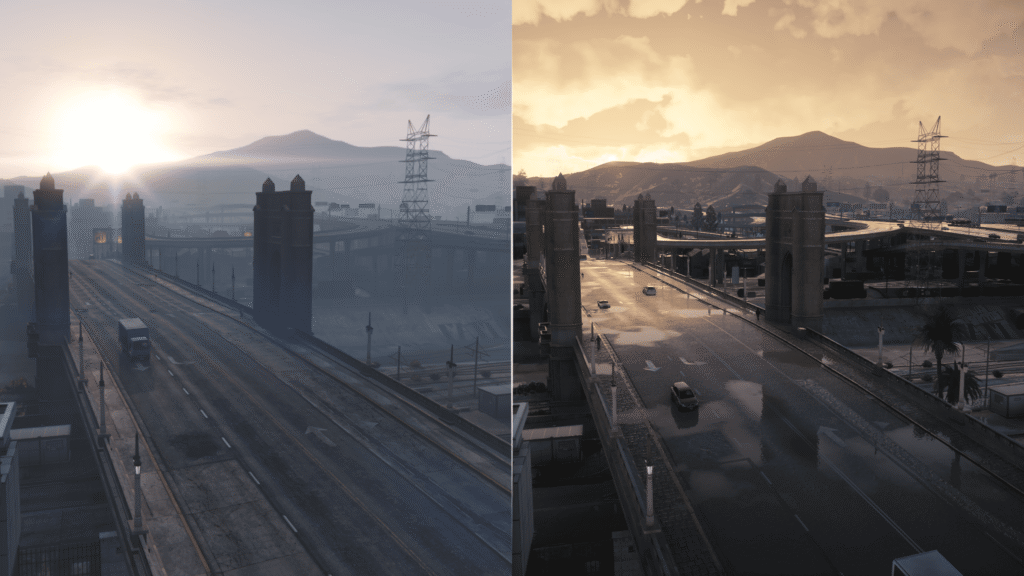
Comparison: Vanilla vs. Beginner Modded
| Feature | Vanilla GTA V | Beginner Modded (with Ray Fusion) |
| Control | Standard Gameplay | Full Menu Control (Menyoo) |
| Graphics | 2013 Dated Lighting | Photorealistic HDR & Shaders |
| Car Variety | Limited SP Cars | Hundreds of Online & Add-on Cars |
| Exploration | Closed Buildings | Open All Interiors |
| Setup Difficulty | None | Easy (via FiveMods App) |
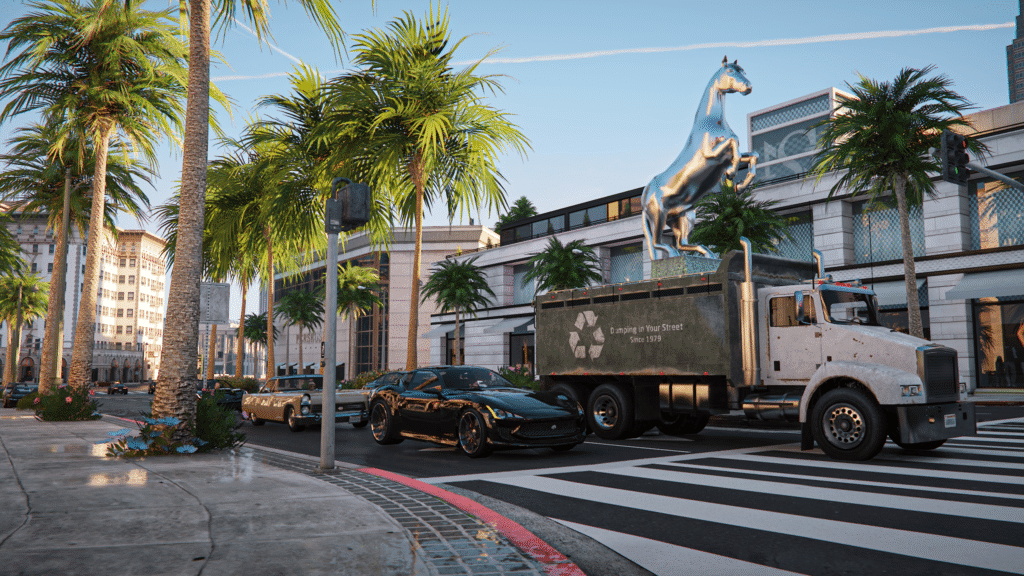
Sometimes, words and static screenshots aren’t enough to capture the true fluid beauty of a modded Los Santos. Seeing how light bounces off a wet car hood at 60 FPS or how the volumetric clouds shift during a sunset is a completely different experience.
You can see the difference in real-time by watching the comparison video below:
Troubleshooting: Common Beginner Mistakes and How to Fix Them
Even for experienced players, modding GTA V can sometimes lead to unexpected crashes or technical hiccups. If your game isn’t launching or you’re seeing “texture loss” (the ground disappearing), don’t panic! Most issues are caused by a few common mistakes. Here is how to fix them and get your gta 5 mods running perfectly.
1. The “Infinite Loading Screen” or Crashes on Launch
If your game crashes during the loading screen after you’ve completed a gta 5 mods download, the culprit is usually a missing Gameconfig file.
- The Fix: When you add many new vehicles or heavy scripts, the game’s default memory limits are reached. You need to install a custom gameconfig.xml (available on FiveMods) and often the Heap Adjuster and Packfile Limit Adjuster. These tools tell the game engine to allow more memory for your new assets.
2. Texture Loss (Disappearing Roads and Buildings)
This is a common issue when using high-end mods like quantv gta 5 or heavy texture packs on FiveM. Your graphics card (VRAM) is struggling to load everything at once.
- The Fix: Go to your in-game Graphics settings and increase the “Extended Texture Budget” slider. Also, ensure you aren’t running other resource-heavy programs in the background. If you are on a mid-range PC, switching to a more optimized mod like Ray Fusion or VisualV will usually solve this instantly.
3. “Script Hook V Critical Error”
This happens almost every time Rockstar Games updates GTA V. The mod detects a new version of the game and shuts down to prevent a crash.
- The Fix: You simply need to wait for the developer (Alexander Blade) to update Script Hook V. Download the new version, replace the old ScriptHookV.dll in your folder and you’ll be back in action.
4. Mods Not Showing Up In-Game
You followed the steps for a quantv download, but the game looks exactly the same?
- The Fix: Check if you have the “ASI Loader” and “OpenIV.ASI” installed. In OpenIV, go to Tools > ASI Manager and make sure everything is highlighted in green. Without these enabled, the game will ignore your “mods” folder entirely.
5. Getting Banned from GTA Online
We cannot stress this enough: Never enter a Rockstar Official Online session with mods.
- The Fix: Use a clean game directory for Online or simply use the FiveM gta 5 client. FiveM is a separate executable that doesn’t touch your official character data, making it the safest way to enjoy multiplayer with your favorite gta v mods.
A Quick Safety Warning
Before you rush off to a quantv free download or start grabbing every script you see, remember the golden rule: Never go into GTA Online with mods installed. Rockstar‘s anti-cheat is very strict. Always use the OpenIV “mods” folder to keep your online account safe. If you want to play with others while using mods, stick to FiveM, which is built specifically for a modified multiplayer experience.
So, Where to Start?
Modding is all about personalizing your experience. If you‘re a beginner, don‘t try to install 50 mods at once. Start with the essentials:
- Install Script Hook V and OpenIV.
- Add Menyoo for instant fun and Open All Interiors for exploration.
- Enhance your visuals with Ray Fusion from FiveMods for that instant “Next-Gen” look.
Once you‘re comfortable with the basics, you can move on to more advanced setups like quantv gta 5. The world of gta5 mods is massive, and you‘ve just taken your first step into a much larger universe.
Ready to transform your game? Would you like me to walk you through the step-by-step installation of the FiveMods App to get Ray Fusion running right now?

Upgrade your GTA V in a few clicks
Revamp your favourite game in just a few clicks