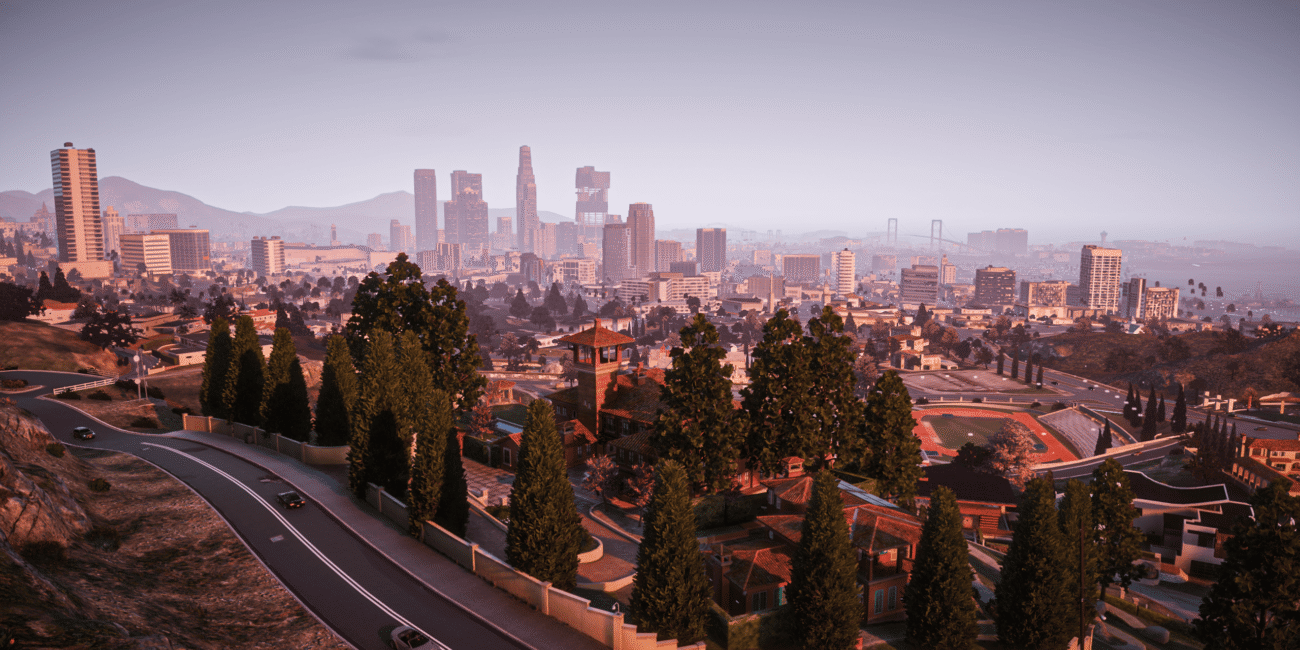
Choosing the right GTA 5 graphics mod can feel like a full-time job. With so many developers pushing the RAGE engine to its absolute limits, players are often left wondering: do I go for the hyper-realistic, high-demand overhaul or the polished, performance-friendly classic? When searching for the best gta 5 graphics mods, you will likely find that these two names dominate the community charts.
Following our look at NVE and QuantV and Ray Fusion, it‘s time to settle another heavyweight debate: QuantV vs. VisualV. While QuantV is the current king of cinematic flair, VisualV has remained the gold standard for “vanilla plus” realism for nearly a decade. In this guide, we‘ll break down their features, compare their performance and help you decide which one belongs in your mods folder. Many players looking for a gta 5 mods download often start with these two to see how their hardware handles the upgrade.
VisualV: The Gold Standard of “Vanilla Plus”
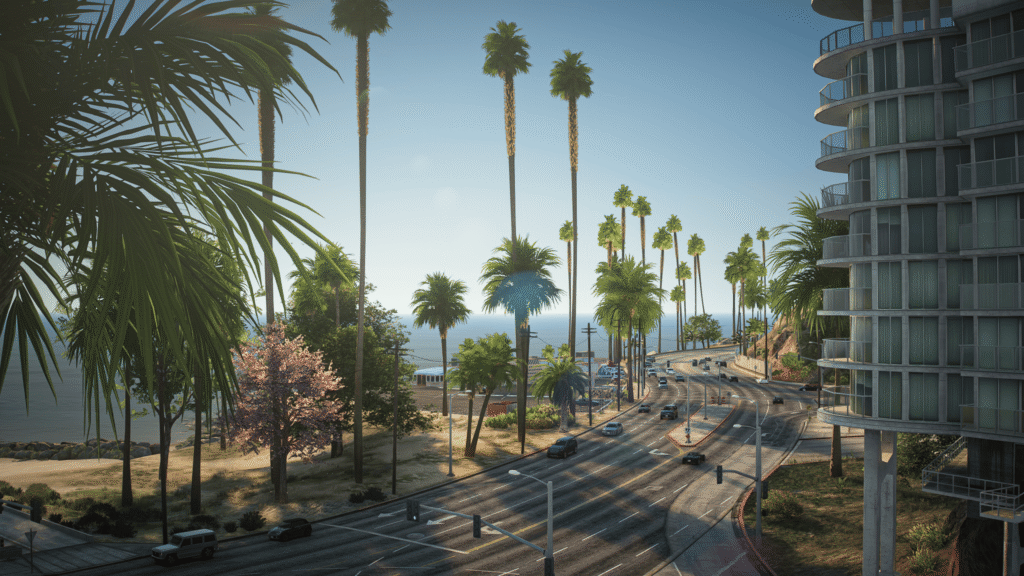
First released nearly a decade ago, VisualV is widely considered the most stable and meticulously crafted graphics overhaul in the history of gta 5 mods modding. Developed by Bozbez and CP, it doesn‘t attempt to turn Los Santos into a different city. Instead, it meticulously “fixes” the original game.
The philosophy behind VisualV is simple: if Rockstar Games had the hardware of 2026 back in 2013, this is what the game would have looked like. It removes the dated “yellow tint” and hazy fog that plagued the original release, replacing them with a crisp, neutral color palette and expanded draw distances. For those who frequently play on FiveM, this GTA 5 graphics mod is a staple because it maintains high performance even on busy servers.
Key Features of VisualV
- Atmospheric Realignment: VisualV completely rewrites the weather cycles (timecycles). It removes the artificial fog that was originally used to hide low-detail distant objects, replacing it with realistic light scattering.
- Performance Optimization: Unlike modern “resource-heavy” gta 5 graphics mods, VisualV is incredibly lightweight. In many cases, it can actually improve FPS by optimizing how the game renders light and shadows. This is why it remains a top choice for a gta v mods setup on mid-range PCs.
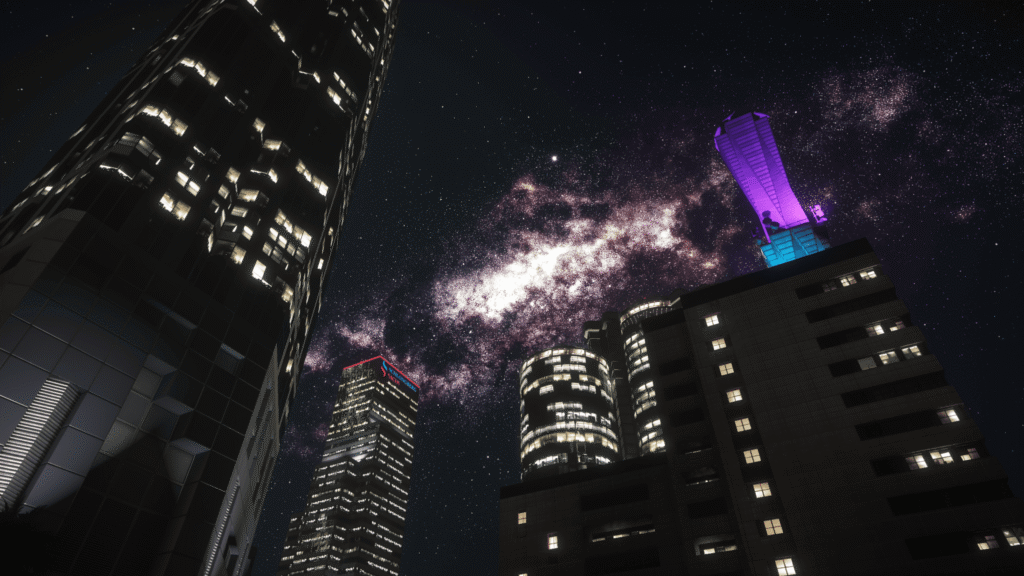
- Corrected Moon & Stars: Nighttime in VisualV is legendary. It fixes the moon‘s position and phases, and cleans up the starfield to make the night sky look breathtakingly clear.
- Depth of Field & Chromatic Aberration: The GTA 5 graphics mod removes the annoying “blur” effects found in the base game, ensuring that the Los Santos skyline remains sharp even from the farthest mountain peaks.
QuantV: The Cinematic Masterpiece
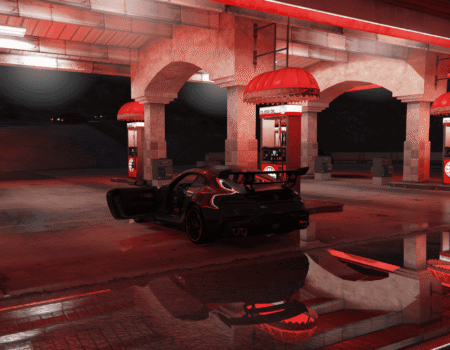
If VisualV is a “cleanup” of the original game, QuantV is a total transformation. Created by the developer Quant, this mod is built for those who want their game to look like a high-budget action movie. Quantv gta 5 is famous for its “wet” looks–rainy nights with neon reflections that make the streets look like something out of Blade Runner or Cyberpunk 2077.
QuantV utilizes advanced post-processing effects and custom shaders that the RAGE engine was never originally designed to handle. It pushes the boundaries of contrast, saturation and volumetric lighting to create a world that feels incredibly dense and detailed. If you want a QuantV download, be prepared for a significant visual shift that brings the game into the modern era.
Key Features of QuantV
- Advanced Shader Suite: QuantV includes custom shaders for car paint, glass and road surfaces. This allows for Screen Space Reflections (SSR) that make vehicles look photorealistic.
- Volumetric Clouds & Skies: One of QuantV‘s most praised features is its cloud system. It adds depth and three-dimensionality to the sky, making sunrises and sunsets feel truly epic.
- On-Screen Camera Effects: The mod introduces cinematic layers, such as realistic raindrops appearing on the “lens” of your screen during storms and improved lens flares from headlights and streetlamps.
- ENB & ReShade Integration: QuantV is designed to work seamlessly with ENBSeries, allowing for high-end effects like Global Illumination and ambient occlusion. For those seeking a Quantv free download, keep in mind that official updates are often tied to developer support platforms.
Comparison: VisualV vs. QuantV
Choosing between these two depends on what you value more: Natural Clarity or Cinematic Spectacle. VisualV is the “purist” choice, while QuantV is for those who want their screenshots to go viral. When it comes to FiveM gta 5 integration, the choice becomes even more critical due to resource management.
Technical Feature Comparison
| Feature | VisualV | QuantV |
| Visual Direction | Natural & Clear | Cinematic & Vibrant |
| Primary Focus | Stability & “Vanilla+” | Photorealism & Effects |
| Lighting System | Neutral & Balanced | High Contrast & HDR |
| Reflections | Enhanced Default | Ultra-Realistic SSR |
| Water Physics | Polished Vanilla | High-Res Shaders |
| FiveM Compatibility | Perfect for all servers | Better for High-End PCs |
Performance and FPS Analysis
Performance is often the deciding factor for GTA V players, especially on FiveM where server-side scripts already tax your CPU and RAM. Using high-quality gta5 mods can make the difference between a smooth 60 FPS and a stuttering mess during a high-speed chase.
VisualV is the undisputed king of performance. Because it is a “data-only” mod (modifying parameters rather than adding heavy external shaders), the performance hit is virtually zero. On mid-range hardware, you may even see a slight increase in stability.
QuantV, on the other hand, is a resource-intensive powerhouse. To get the “Instagram-worthy” look, you‘ll need to enable ENB and high-quality shaders, which can drop your FPS by 20–40% depending on your GPU.
Typical FPS Performance (1440p High Settings)
| Condition | Default GTA 5 | VisualV | QuantV |
| Daytime City | 60 FPS | 58–60 FPS | 38–44 FPS |
| Nighttime (Rainy) | 55 FPS | 54–57 FPS | 28–34 FPS |
| Sunset Highway | 58 FPS | 57–59 FPS | 32–37 FPS |
| FiveM Roleplay | 50 FPS | 48–52 FPS | 25–30 FPS |
Expanding Your Horizons: Alternatives from FiveMods
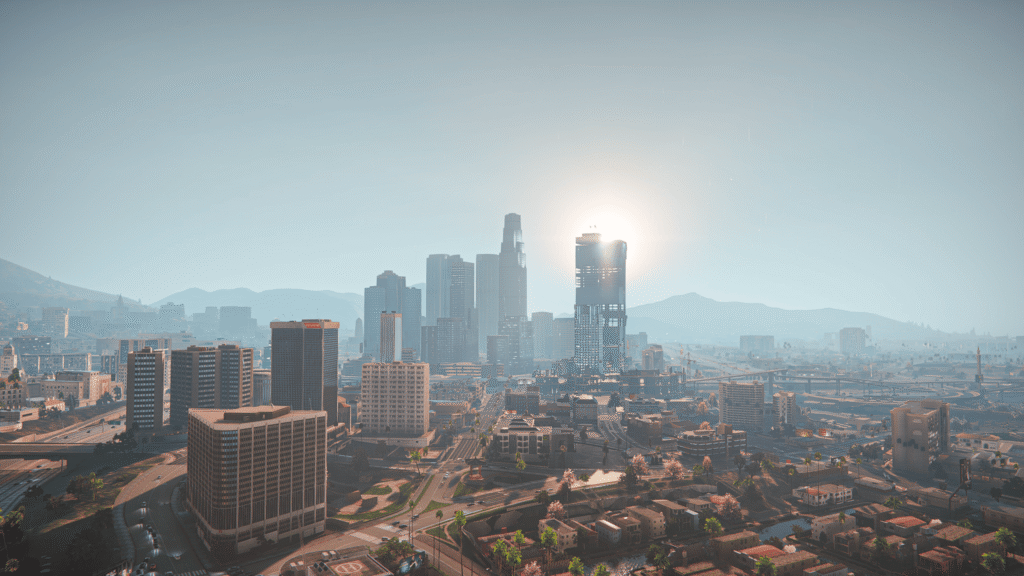
While QuantV and VisualV are classics, the modding world has moved forward. At FiveMods, we have developed graphic packs that take the best parts of these gta 5 graphics mods and fuse them into something even better. These are excellent choices for anyone looking to download gta 5 mods that are modern and optimized.
1. Prismatic Vision
Designed as a modern competitor to NVE and QuantV, Prismatic Vision offers a unique approach to lighting. It uses advanced color grading to ensure that every time of day looks distinct.
- Why choose it? It offers an “ENB-Lite” experience, giving you high-end reflections without the massive FPS drop associated with QuantV.
2. Iconic Visuals
Iconic Visuals is the perfect choice for night-drive enthusiasts. It focuses on a cold, cinematic atmosphere with crystal-blue streetlights and deep blacks.
- Why choose it? It is highly optimized for FiveM. It provides a “Next-Gen” feel while keeping your frames high enough for intense firefights in RP servers.
3. Ray Fusion Remastered
If you are looking for the absolute pinnacle of realism, Ray Fusion is the answer. Inspired by Cyberpunk and Forza, it uses SSR technology to give your game life-like reflections on every surface.
- Why choose it? It is fully compatible with our other texture gta 5 graphic mods, allowing you to rebuild Los Santos from the ground up.
Installation Guide: VisualV vs. QuantV
Both mods require the basic modding toolkit to work. Before you start, ensure you have OpenIV and ScriptHookV installed. Finding a reliable gta 5 mods download is only half the battle; proper installation is key to a crash-free game.
How to Install VisualV
- Download: Get the VisualV package from a trusted source.
- OpenIV: Run OpenIV and click on the “Package Installer” icon.
- Selection: Select the .oiv file from the download.
- Install: Always choose to install to the “mods” folder to keep base files clean.
How to Install QuantV
- Download: QuantV is usually available through the developer‘s Patreon.
- Base Files: Move the core QuantV files into your main GTA V directory.
- OpenIV: Use the Package Installer to install the QuantV .oiv file.
- ENB Setup: Copy the contents of the “ENB” folder into your main GTA V folder.
Which GTA 5 Graphics Mod Is Better for FiveM?
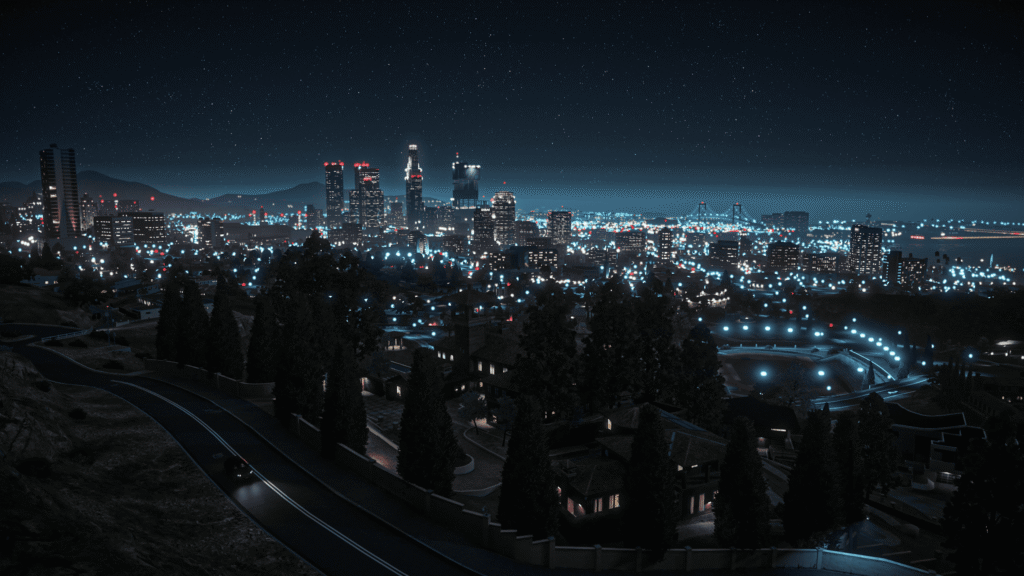
If you spend most of your time on FiveM, the answer is usually VisualV. Most FiveM servers have custom assets and scripts that already consume a lot of VRAM. Adding a heavy GTA 5 graphics mod like QuantV can lead to “texture loss” because your PC can‘t load the textures fast enough.
However, if you have a high-end rig and want to create cinematic content or “car show” screenshots, QuantV is the winner. For those using FiveM gta 5 for photography, the visual fidelity is unmatched.
So, What Should We Do?
The battle between QuantV and VisualV isn‘t about which GTA 5 graphics mod is objectively “better”–it‘s about which mod fits your hardware. Whether you are browsing for gta 5 mods or specific weather overhauls, the decision rests on your PC‘s power.
- Choose VisualV if you value clarity, stability and high FPS.
- Choose QuantV if you want a breathtaking, cinematic experience and don‘t mind tweaking settings.
- Choose FiveMods if you want a 2026-ready experience that balances the best of both worlds.
The world of Los Santos has never looked better. Whether you‘re cruising through a rainy Vinewood with QuantV or enjoying the crisp desert air with VisualV, these modifications breathe new life into a legendary game.
Upgrade your GTA V in a few clicks
Revamp your favourite game in just a few clicks