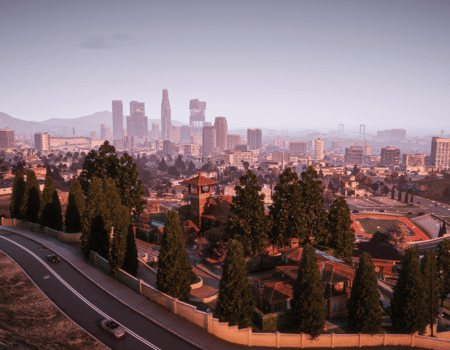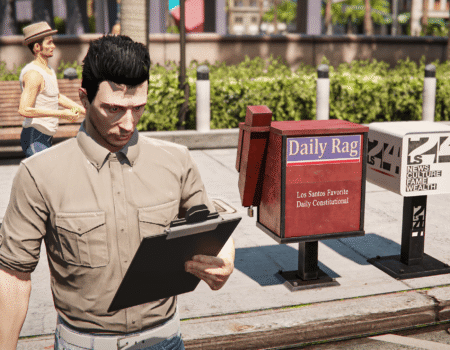
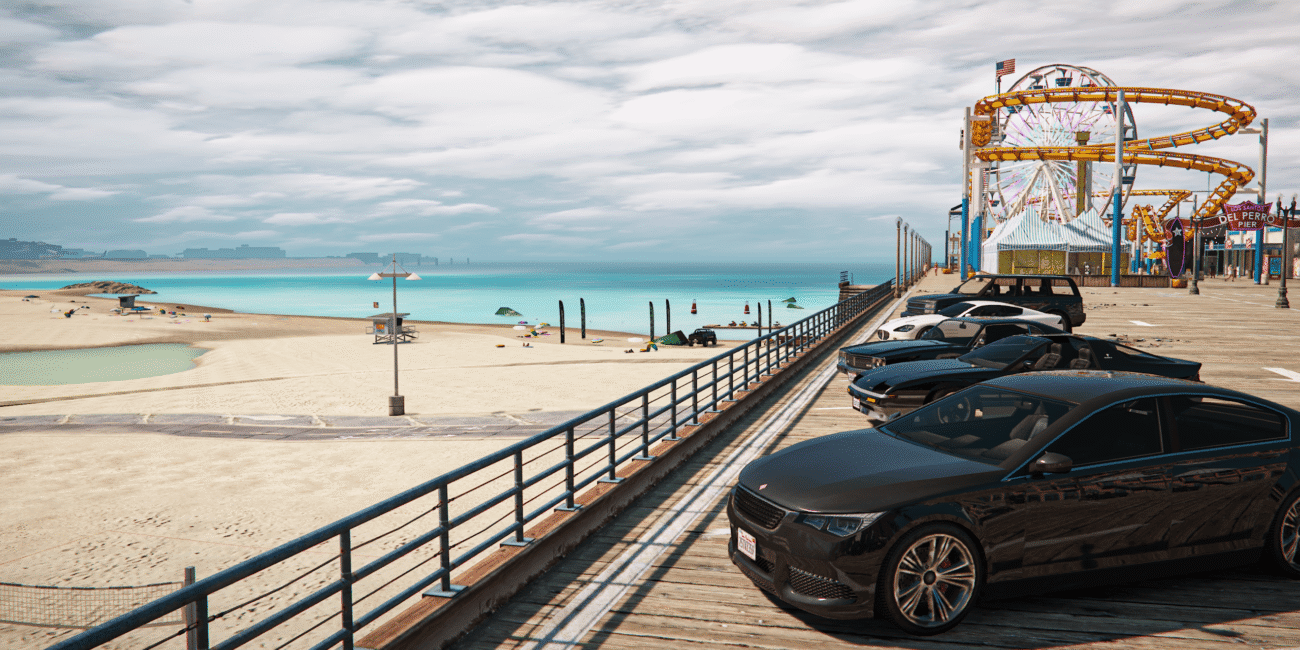
Many players start looking for the best GTA 5 mods after seeing gameplay clips on TikTok, YouTube or Discord. Maybe you saw a clean car meet, better lighting at night or police RP with full uniforms and working lights. You look at your game and think:
“Where do they get these best GTA 5 mods?”
You don‘t need to be an expert to find the best place for GTA 5 mods. You just need the right places to download mods and a simple way to install them. This guide explains where to find mods and how to add them without breaking your game.
What Mods Can Change About GTA 5
Before choosing the best GTA 5 mods, it helps to understand what kinds of changes are possible. Different mods affect different parts of the game, and knowing this will stop you from downloading random things you don‘t actually need. Think of this as a quick “map” of what mods can do, so you can choose what fits your play style.
| Type of Mod | What It Changes | Examples |
| Graphics Mods | Lighting, weather, shadows, reflections | VisualV, QuantV (custom configs), Ray Fusion |
| Car Mods | Adds or replaces vehicles | Nissan GTR, BMW F82 M4, Audi RS7 |
| Sound Mods | Engine audio, gunfire, ambience | Real Engine Packs, Weapon Sound Overhaul |
| Gameplay Mods | Missions, police AI, physics, combat | LSPDFR, Gang Territories, Real Handling |
| Character Mods | Skins, clothing, animations | AddonPeds, EUP Uniform Packs |
Tip:
If you love screenshots → start with graphics + cars.
If you love roleplay → start with uniforms + LSPDFR.
If you love chaos → GTA mod whatever makes you laugh.

Where to Get Best GTA 5 Mods – The Real Options
Not all mod sites are the same. Some are clean and organized, others feel like digging through a garage. The goal is to choose a place where updates are recent, files are organized and downloads are clean.
Below are the most common places players use today:
FiveMods
This is where many newer and returning players feel most comfortable. The site is organized in a way that makes sense: categories are clear, previews are easy to view and creators frequently update their files here. If you‘ve ever seen TikTok or Discord car meet screenshots, there‘s a good chance the GTA 5 mods came from FiveMods. It feels modern – not like browsing a 2013 forum.
GTAForums
This is one of the best places for GTA 5 mods, where GTA mod creators discuss and announce work. Good for early builds, but takes patience to browse.
Patreon
Some creators share refined, curated packs here. A good option if you want consistency and want to support authors.
Each site has its role – but for quick, clean browsing and regular updates, FiveMods tends to feel the most natural for everyday players. You can also familiarize with our article, where we compared the best GTA 5 mods on the market in 2025.
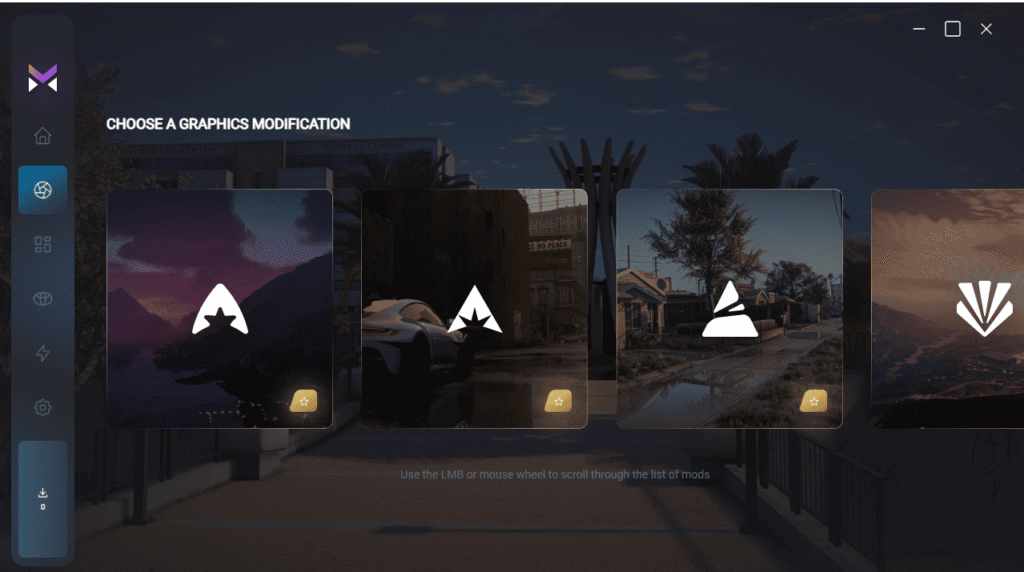
How to Check Whether a GTA 5 Mod Is Safe
There are many best GTA 5 mods online, and not all of them are trustworthy. Instead of downloading blindly, take a few seconds to check basic details. This avoids crashes and malware, and makes your game setup cleaner and easier to maintain. Before installing anything:
- Search the creator‘s name on YouTube or Discord.
- Check the last update date – old GTA V mods break easily.
- Read player comments, not only descriptions.
- Avoid mods distributed as unknown .exe files.
Simple checks prevent game-breaking issues.
Tools You Need Before Installing Best GTA 5 Mods
You‘ll probably need a few tools that handle game files and scripts. These tools are used by nearly everyone in the GTA modding community. You only need to install them once, and then they stay in place for all future mods.
| Tool | Purpose |
| OpenIV | Installs GTA V mods and manages game archives |
| ScriptHookV | Core support for script mods |
| ScriptHookVDotNet | Enables .NET gameplay GTA 5 mods |
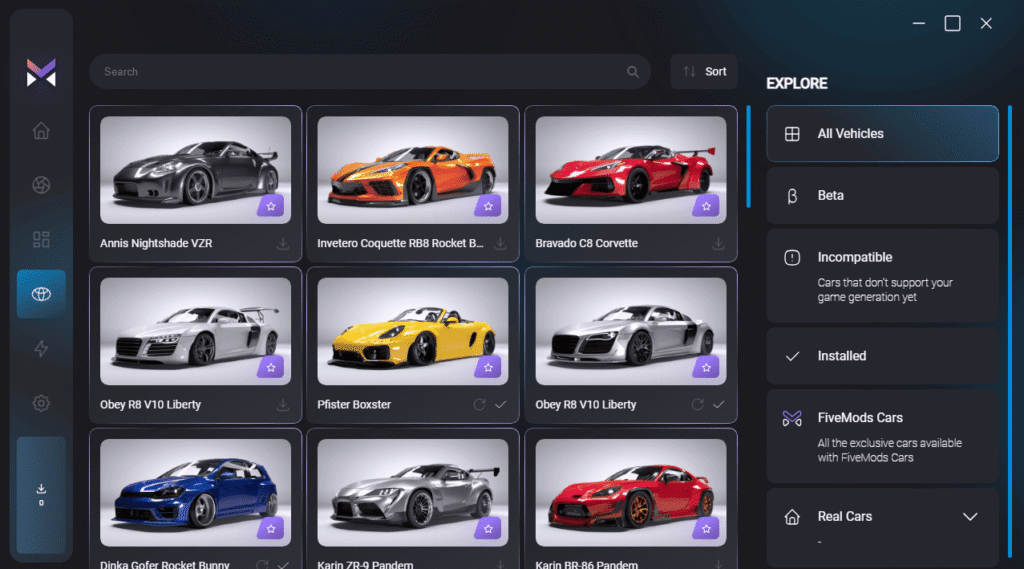
| FiveMods App | Install the mods automatically via the app on any PC |
| Menyoo or Simple Trainer | For spawning cars and testing content |
| AddonPeds | Used for custom character models |
Install these first – they‘re the base layer.
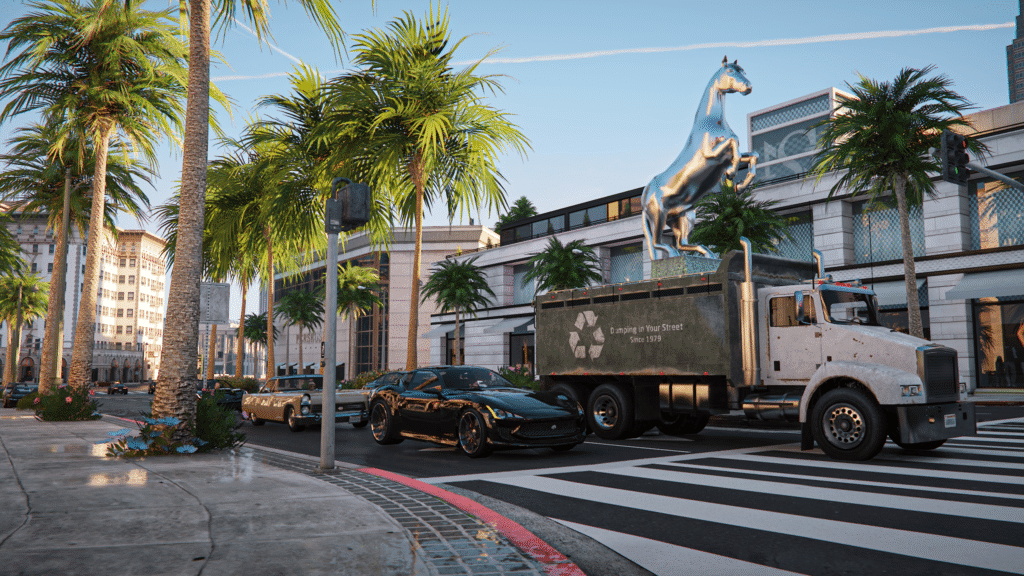
Beginner Mods vs. Advanced Mods – Where Should You Start?
Not all GTA 5 mods are equal in difficulty or performance impact. Some are simple and safe for any PC. Others require stronger hardware and more patience. Starting small helps avoid issues and keeps the game running smoothly. If you build up step-by-step, you learn how your setup works. Here‘s a helpful comparison:
| Skill Level | What to Install | Why It Fits | Example Mods |
| Beginner | VisualV, Simple Trainer and a few add-on cars | Low risk, easy to remove, stable | VisualV, Audi RS4, Menyoo, AddonPeds |
| Intermediate | Real engine sound packs, road retexture packs, Reshade presets | Noticeable improvement without major stability risks | LA Roads, Reshade Cinematic Presets |
| Advanced | Full ENB baselines, heavy texture overhauls, physics packs | Requires PC power + testing + patience | QuantV (custom settings), GTA V Remastered Vegetation |
How to Install GTA 5 Mods – Two Practical Methods
There are two main approaches to installing the best gta 5 mods. One is manual and gives full control. The other uses the FiveMods App and reduces setup time. Neither is “better” – you choose based on how much effort you want to put in.
Method 1: Manual Installation (OpenIV Way)
This method gives full control and is good if you like adjusting things yourself. You‘ll handle the game files directly. It can be more challenging, especially if you haven‘t installed mods yet, all by yourself. But it‘s good for players who enjoy building their setup piece by piece.
- Download the GTA mod (.zip / .rar / .oiv).
- Open OpenIV → Enable Edit Mode.
- Turn on the GTA V mods folder feature.
- Follow the mod‘s install path instructions carefully.
- Launch Story Mode to test.
Method 2: Installing Best GTA 5 Mods Using FiveMods App
This is the easiest and fastest way to install gta 5 mods. The FiveMods App handles paths, folders and installation automatically, you just pick what you like, click install, and play. Here’s how the full process works:
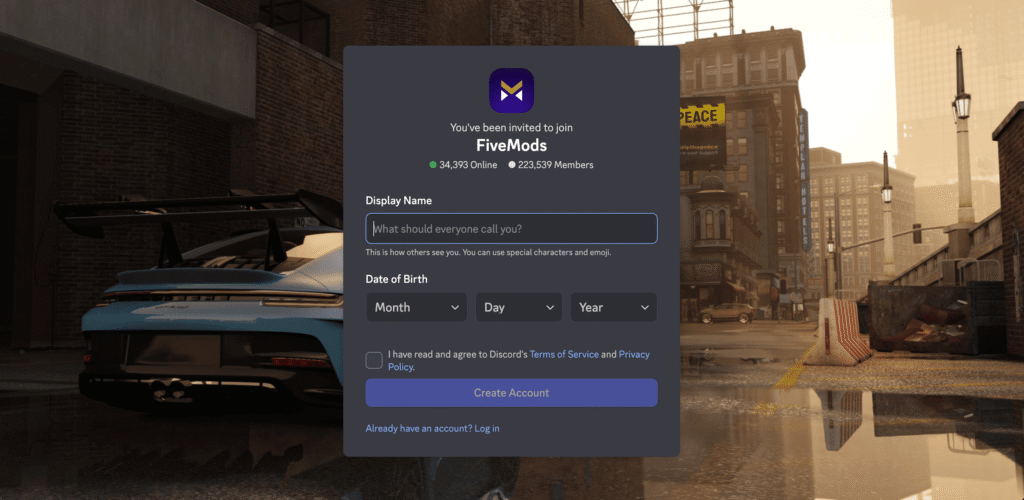
- Join the Official FiveMods Discord
Before you download the app, join the official FiveMods Discord server.
The app is pinned in the top channels, ensuring you get the latest and safest version.
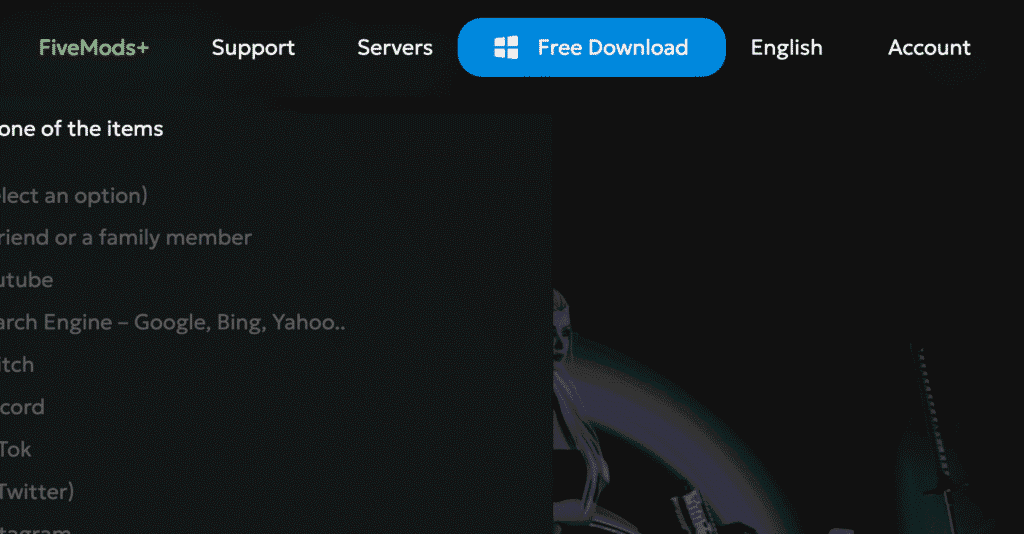
2. Download the FiveMods App
Click the pinned download link and save the installer to your PC.
Run the file and follow the setup instructions — installation takes less than a minute.
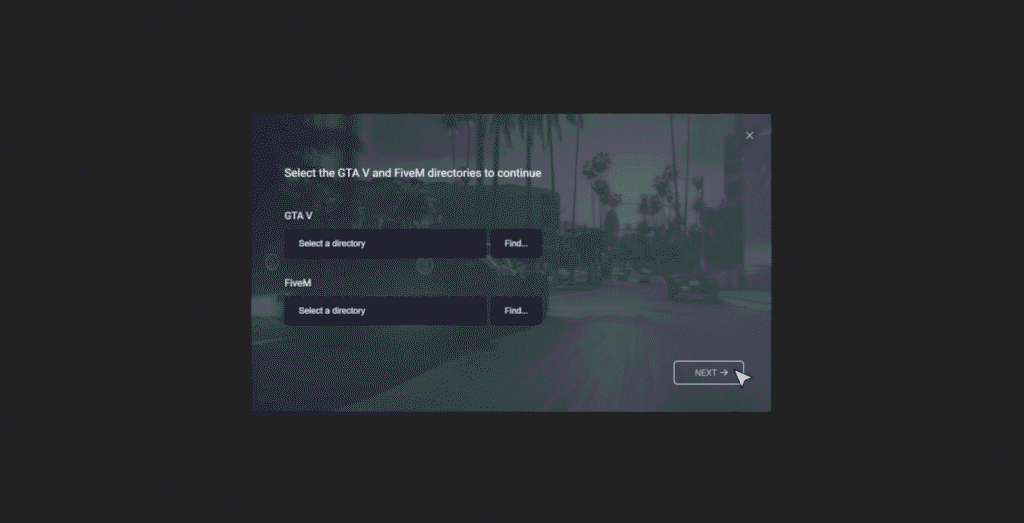
3. Select Your GTA 5 Game Folder
When you launch the app for the first time, it will ask you to choose your GTA V folder.
Just point it to where your game is installed (Steam, Rockstar Launcher or Epic Games).
After you confirm, the app automatically configures everything.
4. Browse Mods Directly Inside the App
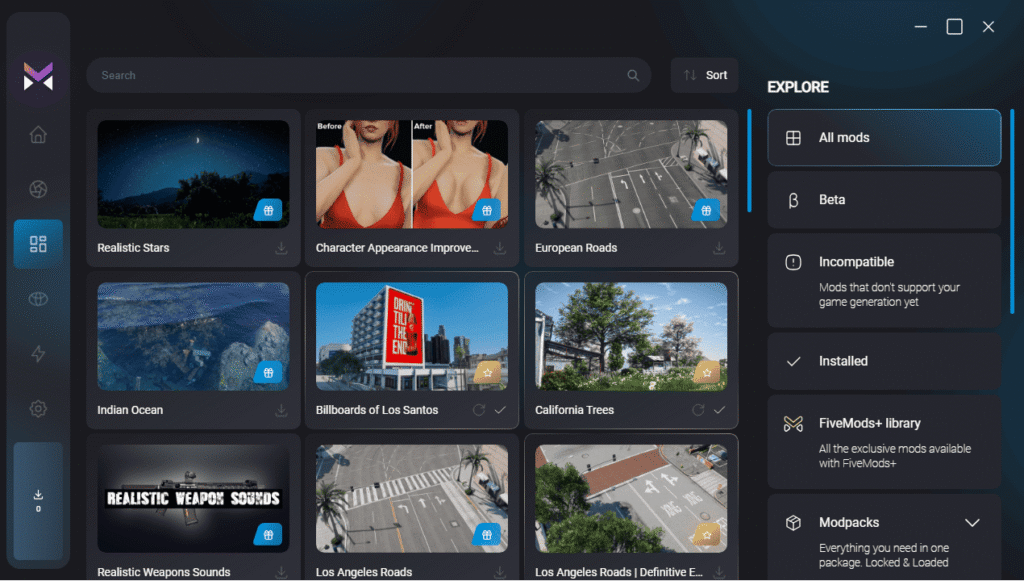
This is where the app becomes extremely convenient:
You can scroll through graphics mods, car packs, UI upgrades, sounds, maps and more — all in one place.
No need to download ZIP files or search manually.

5. Click “Install” — The App Does the Work for You
When you find a mod you want, simply click Install.
The FiveMods App automatically:
- downloads the files
- places them in the correct folders
- handles overwrites
- ensures compatibility where possible
You don’t have to touch a single file or folder — everything is automated.
6. Launch GTA 5 Story Mode and Enjoy
Once the install is complete, launch GTA 5 Story Mode (recommended for testing).
Your mod will already be active — no extra steps required.
Good for: Players who want the best GTA 5 mods working fast and clean, without file diving.
Common Problems and How to Fix Them
Issues happen. Most are easy to fix once you know what caused them. Don‘t panic if your game crashes once or twice – this happens to everyone learning to mod.
- Game crashes on startup: Usually ScriptHook needs updating.
- Black or missing textures: Check if files were placed into the wrong directory.
- NPCs / police act strange: Two gameplay gta 5 mods are conflicting – disable one and test.
- FPS drops heavily: Lower texture sizes or switch to a performance visual preset.
It happens to everyone – nothing to stress over.
Conclusion
Modding GTA 5 doesn‘t have to be hard. You choose what you want your game to look like, install mods carefully and test slowly. There are multiple places to get mods, but FiveMods makes it easier to find and organize them, especially when you‘re new or just want things to work.
Ans with the GTA 5 Enhanced, you can use the numerous mods without losing the quality of the game. Watch our selection of the best GTA 5 mods for enhanced on this video.
Start simple. Add GTAV mods step by step. Make Los Santos match your style.

Upgrade your GTA V in a few clicks
Revamp your favourite game in just a few clicks